

Reference

finebooker app for Android and iOS

Open the finebooker app on Android or iOS and keep slots, live tables, and your betslip on one screen.

AndroidiOSAPK installFingerprint loginPush alerts
finebooker finebooker app for Android and iOS
finebooker What the app adds on mobile

What the app adds on mobile

The app trims the path from search to seat. You can pin games like Aviator, Cash or Crash, and Golden Dragon, then return with fingerprint login instead of typing your password again. Push alerts surface table changes, account messages, and app updates, while the quick deposit tile sits beside your lobby when your account has that option. We keep access tied to

local law and the device route you use.
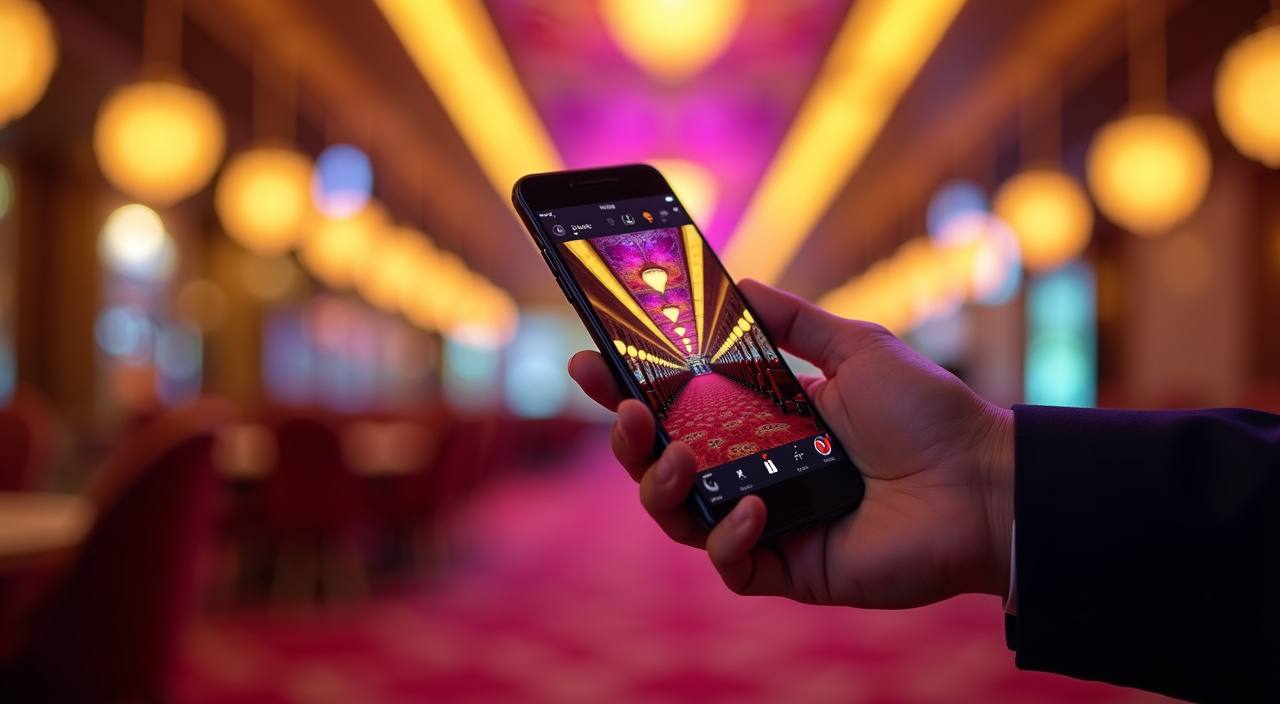
App features that save time

Once the app is on your phone, the small things matter: faster sign-in, cleaner tables, and fewer taps between sessions.

Fast login

Your last session can reopen quickly, and saved device access cuts repeat typing when you return to the same phone after a short break.

Biometric unlock

Fingerprint or face unlock lets you get back in without typing a long password every time, which helps when you move between short checks during the day.

Dark mode

Dark mode lowers the glare on late sessions and keeps the lobby easier to scan when you are using the app indoors or in low light.

Push alerts

Push alerts bring account messages, game updates, and table changes to your lock screen, so you do not need to keep the app open all the time.

Offline lobby preview

If signal weakens, the app can still show the last lobby pages you opened, which helps you find your place before the connection comes back.

Smart search

Search jumps straight to names like Lightning Roulette or Mahjong Ways, so you spend less time scrolling and more time landing on the room you want.

finebooker Install in 3 steps

Install in 3 steps

Start from the device path on this page, then let the download finish. Android phones may ask for install permission the first time, while iPhone users follow the prompt shown in Safari. After the app opens, sign in, allow alerts, and pin the lobby if you like.

  • Download the app file — Use the Android or iPhone path shown here and let the file or install prompt finish before you tap anything else.
  • Allow the install — On Android, permit installs for this app flow, then let the package verify before you move ahead.
  • Open and sign in — Launch the app, enter your account details, and let the saved session bring you back faster on the same phone next time.
  • Turn on alerts — Allow push alerts so table changes, message prompts, and app updates reach you without keeping the lobby open.
DEVICE CHECKS

Phone compatibility before you install

The current build is light enough for everyday Indian phones, but it feels smoother when your device has free storage and a recent operating system.

01

Android version

Android 8 and newer can run the app build, with newer versions handling login and alerts more smoothly.

02

iPhone version

iOS 13 and above can follow the iPhone install path shown on this page and keep the same lobby layout.

03

RAM

2 GB RAM can open the app, but 3 GB or more gives you a calmer feel when tables, search, and alerts are active.

04

Storage

Keep around 50 MB free before you install, then leave extra room for cache, saved favourites, and repeated lobby loads.

05

Supported regions

Access depends on local law and is available only in places where the app can be used under local rules.

SCREEN BY SCREEN

Screens you see on the phone

The mobile layout keeps the main screens close: lobby, search, account, live tables, and slot rooms.

finebooker mobile gaming
Lobby cards
Live table view
Quick betslip
Favourites strip
Account tab
Search bar
HELP ON HAND

Help inside the app

When something feels stuck, you can reach us from inside the app instead of starting over on the browser.

In-app chat Use chat when the app will not finish loading or when a screen freezes after sign-in. We can check the session and point you to the next step.
Email desk Send the device model, OS version, and a short screen note. That helps us trace install loops, update stops, or missing alerts without extra back-and-forth.
Install help If Android asks for permission or iPhone shows an install prompt, we can explain the exact screen you should tap so the setup finishes cleanly.
BUILD CONFIDENCE

Checks behind every build

We share the app from our own site, sign the build, and keep the install path consistent so you know what file you are opening.

Signed build

Each package we share is signed before release, so your phone can check that the file has not changed on the way to you.

Direct download

We publish the file from our own domain, not random mirrors, which reduces confusion when you come back later for a fresh version.

Update prompts

When a new build is ready, the app tells you plainly and keeps the update path simple, so you do not guess which file is current.

Recovery flow

If you switch phones or clear data, the recovery steps help you get back in after identity checks without starting a fresh account.

Device checks

We watch for unusual device changes and ask for extra checks when the session looks unfamiliar, which helps protect your account access.

Session timeout

Inactive sessions close after a while, so a phone left on a table does not keep the lobby open longer than needed.

APP VS BROWSER

App versus mobile browser

The browser can open the lobby, but the app keeps the daily path shorter. You get fingerprint access, push alerts, and a cleaner return to your last screen, while the browser depends…

01

Login

App: fingerprint or saved device sign-in. Browser: you type credentials more often and may repeat verification after closing the tab.

02

Alerts

App: push alerts arrive on the phone. Browser: you only see them when the tab is open or when you come back manually.

03

Screen space

App: the lobby fits tighter on a small display. Browser: address bars and extra chrome take some of the room you want for games.

04

Return flow

App: you land closer to your last screen. Browser: you often start again from the home page and search back to the same room.

05

Memory use

App: cached pages can reopen faster on the same phone. Browser: reloads happen more often after a session ends or the tab sleeps.

06

Device feel

App: one icon carries the full mobile path. Browser: you may keep hunting for the right tab, bookmark, or saved link.

App questions before install

If you are checking the app on your phone for the first time, these answers cover the install path, device needs, alerts, and account recovery. We keep each reply focused on the mobile build so you can decide quickly and move straight to the screen that matches your device.

Yes, we show separate install paths for Android and iPhone. Follow the route that matches your handset, then open the app and sign in from the same account you use on the site.

Download the APK from the Android path on this page, allow the install prompt when it appears, and wait for the package check to finish before you open the app.

The app keeps fingerprint login, push alerts, and your last screen closer at hand. That means fewer taps, less tab hunting, and a cleaner return to the lobby on the same phone.

The app is light at install, but we still suggest free space for cache and saved lobby data. Keeping extra storage free helps table pages and search results load with fewer pauses.

Yes, you can allow push alerts after install. They bring account messages, lobby changes, and app updates to your phone, so you do not need to keep the app open all day.

Use the recovery steps inside support, then complete the checks on your new device. After that, the app session can be restored on the fresh phone without starting from scratch.

No, access depends on local law and is available only where the app can be used under local rules. If your region allows it, the install path will show the option for your device.